
Monthly home safety inspection on a phone
Direct support staff walk the house with a checklist: exits clear, fire extinguishers charged, smoke detectors tested, first-aid kit stocked, hot water at the bathroom tap. Each item is marked pass, warning or fail, the water temperature is typed in, and a photo goes with anything wrong. The house manager opens a repair for each failed item and the finished inspection is saved with who did it and when.
Group home inspection and safety checklist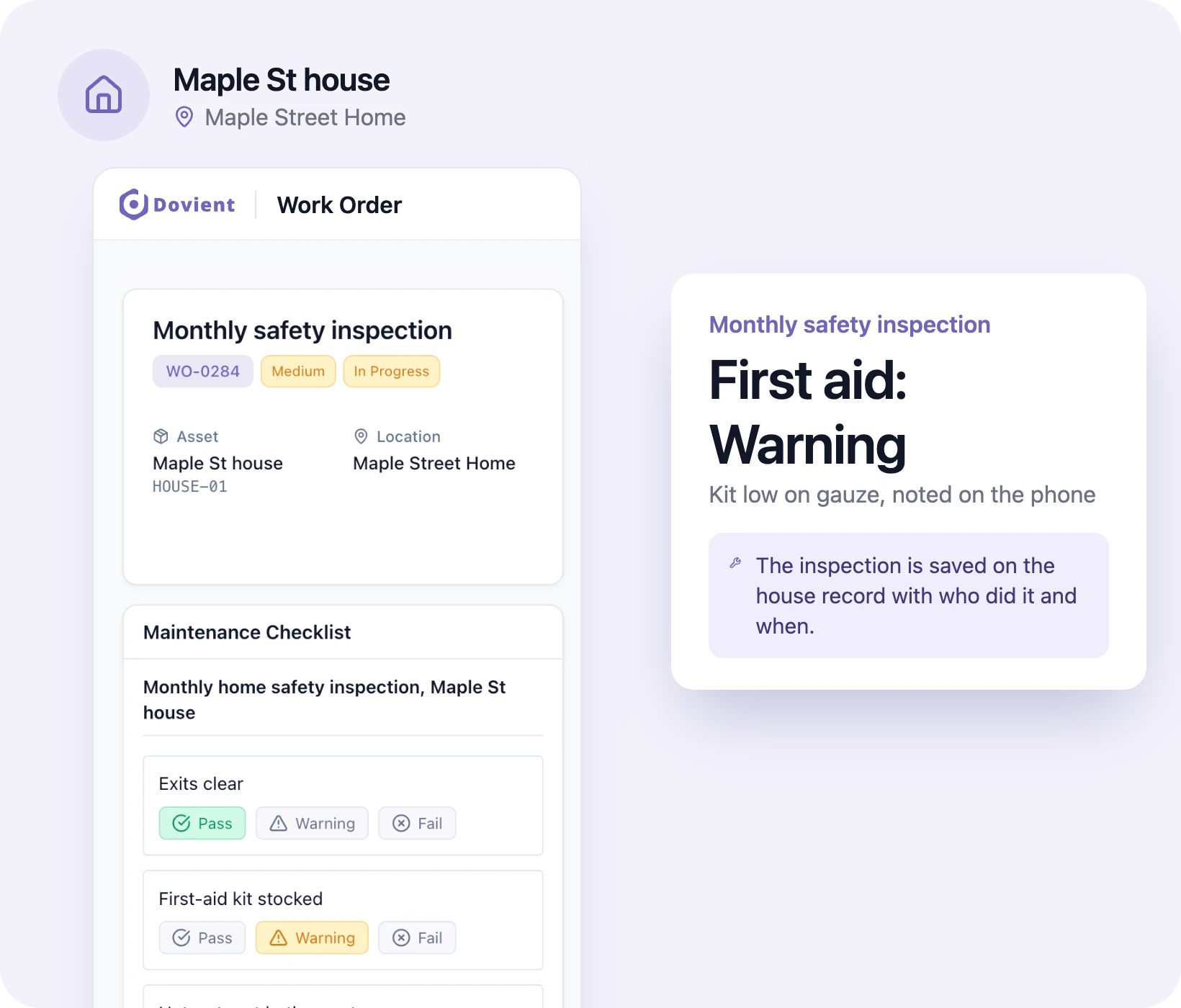
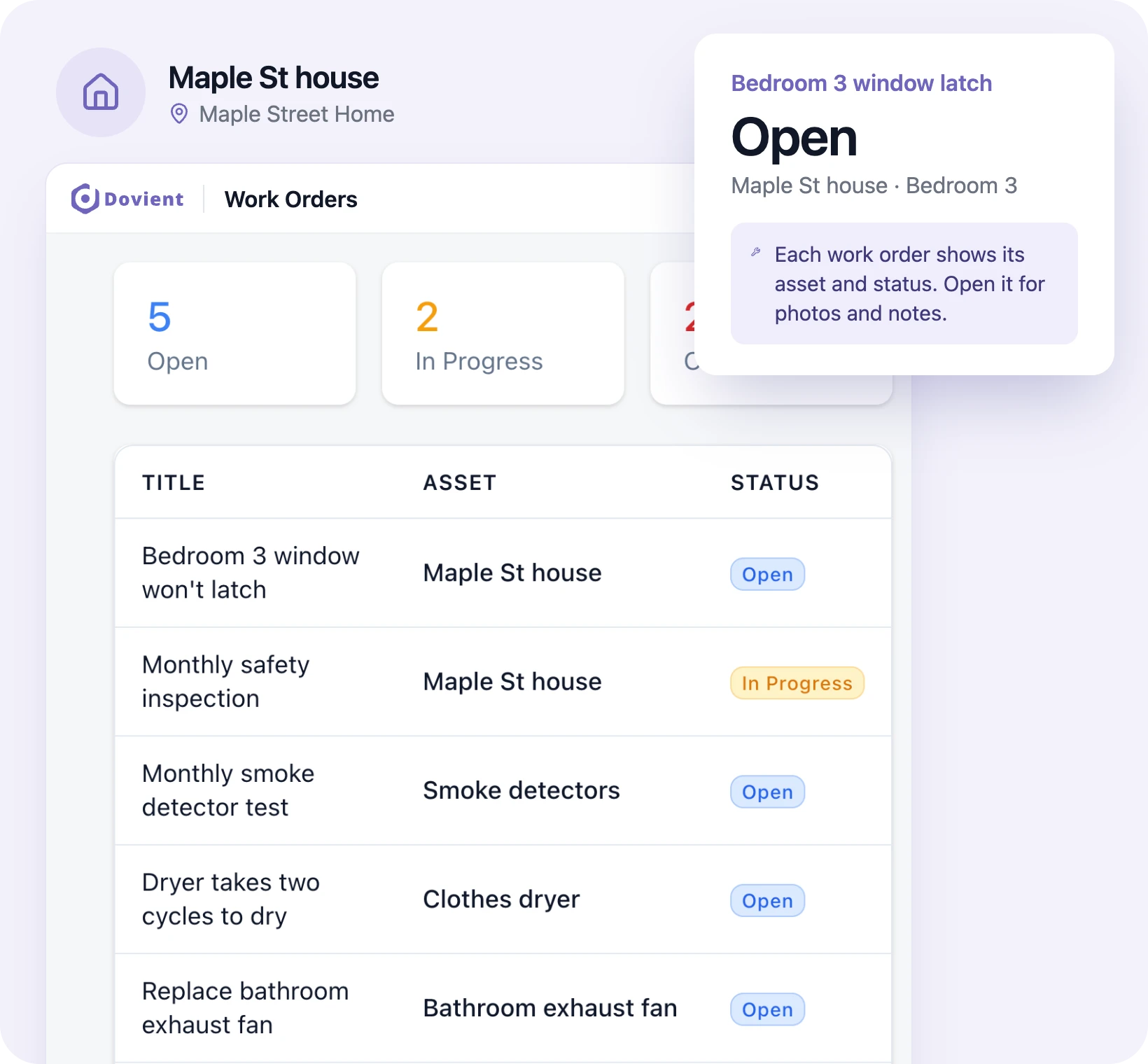
Every repair in the house in one list
Each repair is a work order: who reported it, who is fixing it, the photos, the notes and the status. The house manager assigns jobs to the maintenance person or an outside plumber, and overdue repairs show on the dashboard, so a broken lock doesn't sit for a week.
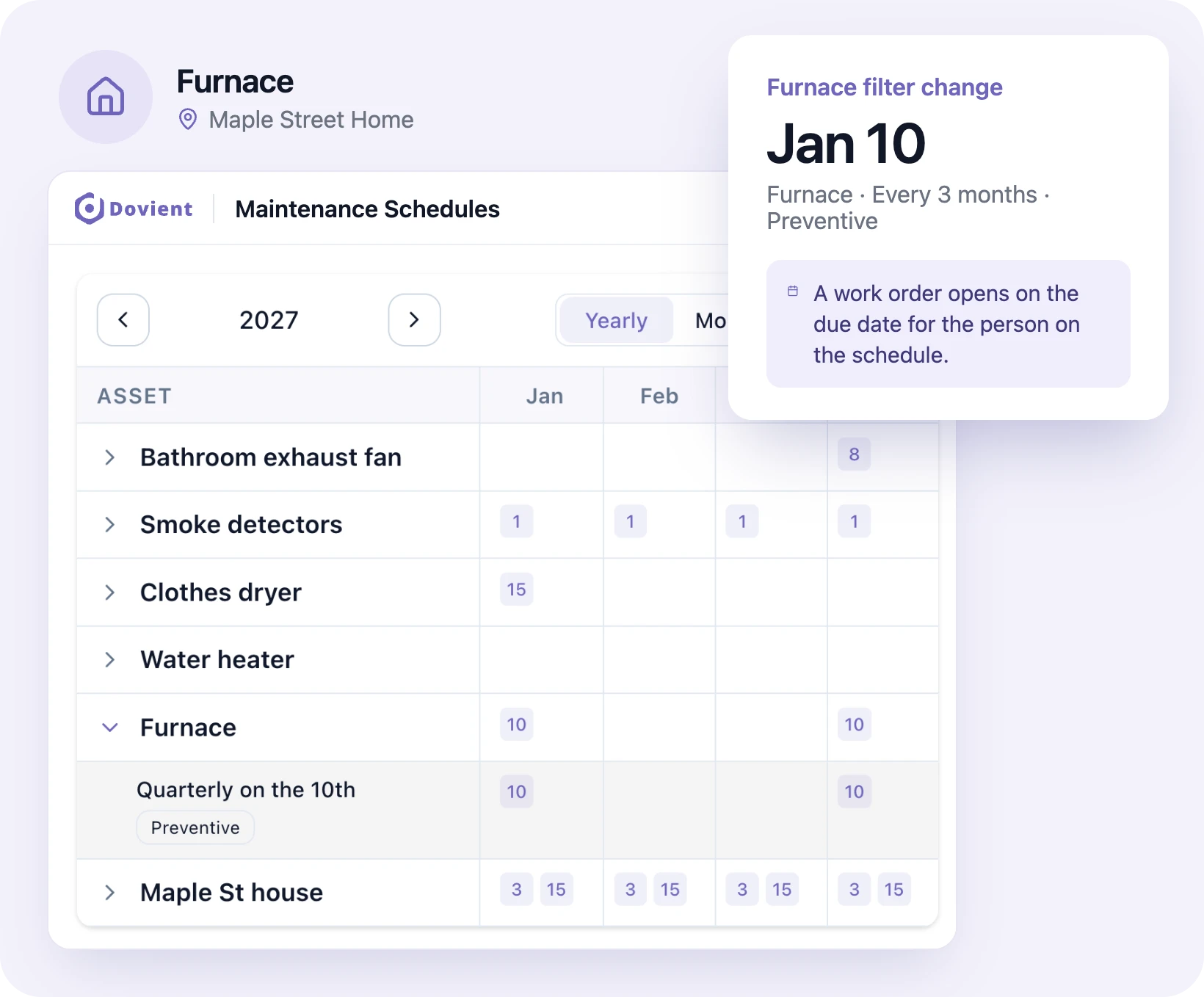
Furnace filters, smoke detectors and dryer vents on schedule
Set each recurring job once: smoke detector test every month, furnace filter every 90 days, dryer vent cleaning twice a year, water heater flush every year. The work order opens on its due date with the checklist attached and goes to the person set on the schedule.
Fire drill and safety records for the licensing visit
Each fire drill is a work order on a schedule, with a checklist for the shift, the time to evacuate, the exit used and any resident who needed help. Smoke detector tests and extinguisher checks are logged the same way. Before the licensing reviewer arrives, the house manager exports the completed drills and checks as a PDF.
Group home licensing requirements and life-safety rulesStaff report repairs from their phone
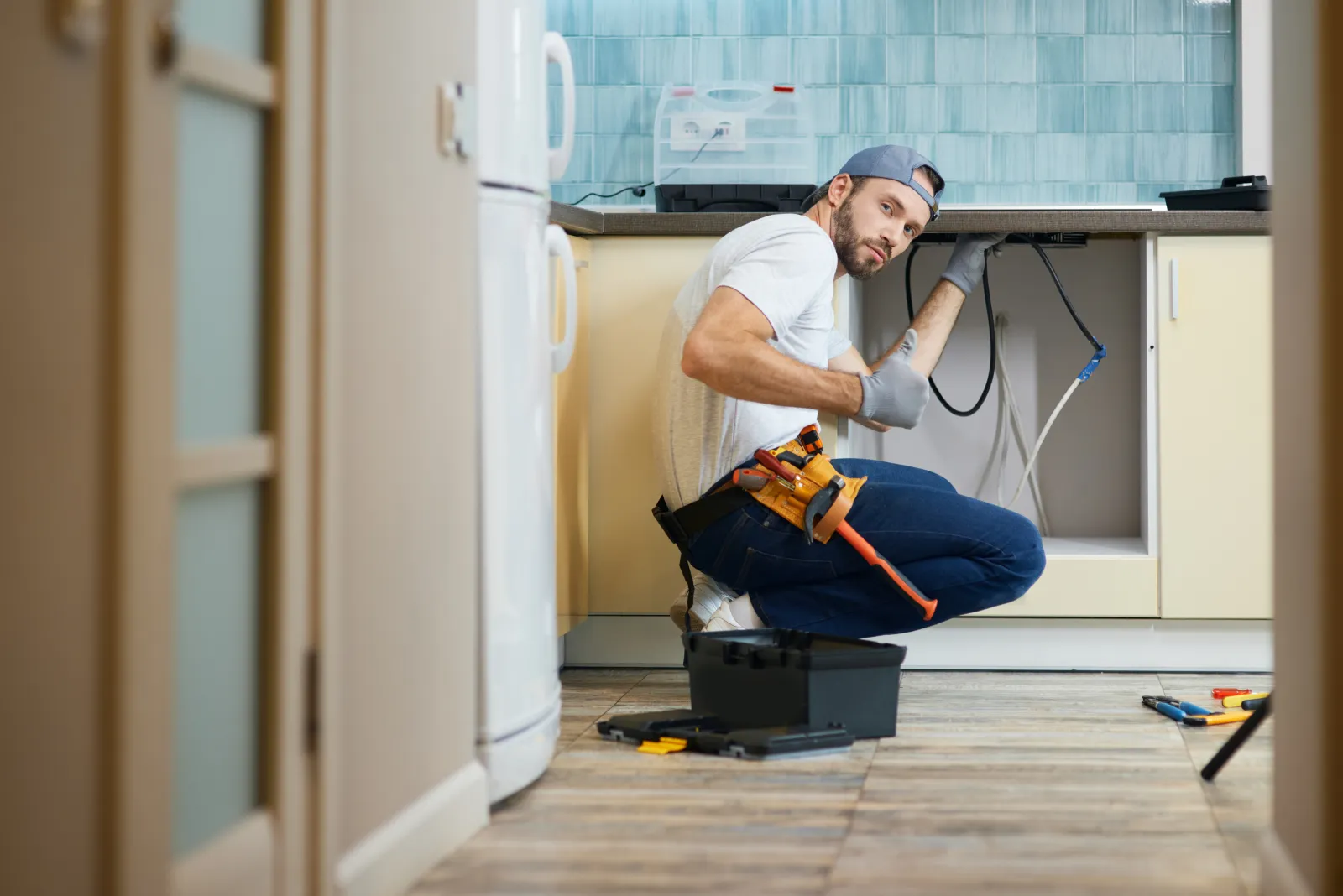
A staff member on the overnight shift finds a bedroom window that won't latch or a toilet that keeps running. They report it in the app with a description and a photo, and mark it a breakdown if it affects a resident's safety. The people assigned to requests are notified, and the staff member can see when it's fixed.
Each appliance's history and cost
A washer that runs for six residents every day wears out faster than one in a family home. Each furnace, water heater, washer, dryer and wheelchair lift has its own record with every repair, part and service charge on it, so you can show what it has cost before you ask for a replacement in the budget.
Which appliances break down most
The dashboard counts breakdowns and hours of downtime, shows the average time to repair (MTTR) and time between failures (MTBF), and lists the equipment that fails most often. When the same dryer is down three times in a quarter, it shows at the top.
How setup works
- 1
Add your house and its equipment
Import your equipment list from a spreadsheet (CSV or Excel) or add the furnace, water heater and appliances one at a time.
- 2
Set your checks and schedules
Choose the checklists the house needs (monthly safety inspection, fire drill, smoke detector test) and how often each one comes due.
- 3
Invite your house staff
They install the app and sign in. Staff see the checks due on their shift and can report a repair from their phone.
Set up Dovient Lite with us
Tell us how many beds you have. We'll go through your safety checks and fire drills with you and set up your account.
Prefer to start on your own? Start with Dovient Lite
Group home checklists and guides
All templates
Questions
What is group home maintenance software?
Software that keeps a group home's safety inspections, fire drills, scheduled upkeep and repairs in one record. Dovient Lite does this for small teams: staff complete checklists on a phone, recurring checks open as work orders on their due date, and every repair stays on the record of the equipment it was for.
What do licensing reviewers usually check in a group home?
It depends on your state and the license type, but most reviews cover fire drill records, smoke detector and fire extinguisher checks, clear exits, hot water temperature at the tap and the general condition of the house. Pennsylvania's community home rules (55 Pa. Code Chapter 6400), for example, call for an unannounced fire drill every month. Check your own state's licensing rules for the exact list.
How often do ICF/IID homes need fire drills?
Under the federal ICF/IID rules (42 CFR 483.470(i)), evacuation drills are held at least quarterly for each shift of staff, under varied conditions, and each drill is documented. Your state may ask for more. In Dovient Lite each drill is a scheduled work order with its checklist, and completed drills export as a PDF.
Can staff log hot water temperatures?
Yes. A checklist item can hold the reading typed as text (for example 116F) and be marked pass or fail against your state's limit. Dovient Lite does not read the number or send an alert on its own: the person doing the check marks it fail if it's over the limit.
Does a failed inspection item create a repair automatically?
No. The failed item, its photo and notes are saved on the checklist, and the house manager opens a work order for it. That keeps a person deciding who fixes it and how urgent it is.
Can staff report a problem without logging in?
No. Each staff member signs in to the app to report a repair, so every request shows who reported it. There is no public request form.
Can I see what we spend on repairs?
Yes. Each work order records labor, parts, outside contractor charges and other costs, and each appliance's record adds them up. You can export cost by asset for your budget.
Is this group home management software for resident records?
No. Dovient Lite covers the house and its equipment: inspections, drills, scheduled upkeep and repairs. Resident care notes, medication records and billing stay in your care documentation system.
How much does Dovient Lite cost?
Plans and prices are on the Dovient Lite pricing page: dovient.com/lite/pricing.
Reviewed
Repairs and safety checks for every house, on one list